
Our Software Is Made In Germany
ConSol CM is a German-built solution from a family-owned company based in Munich.

Proven In The Market For More Than 20 Years
Built to last. A solution with a solid foundation that continues to evolve year after year.

AI Support for More Efficient Process Management
The extra team member that actually takes work off your plate. Move faster with AI.
Flexible Processes for Agile Case Management
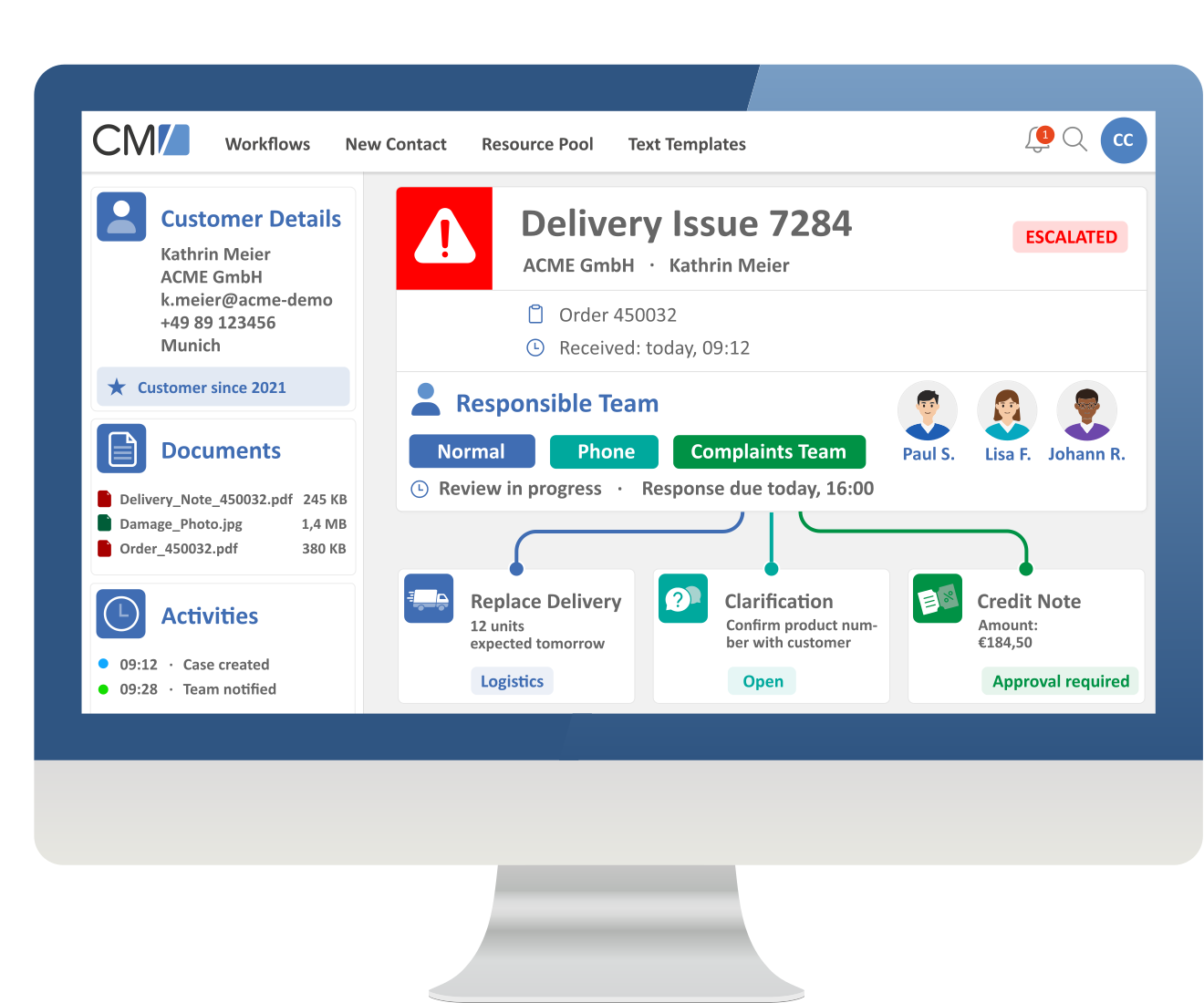
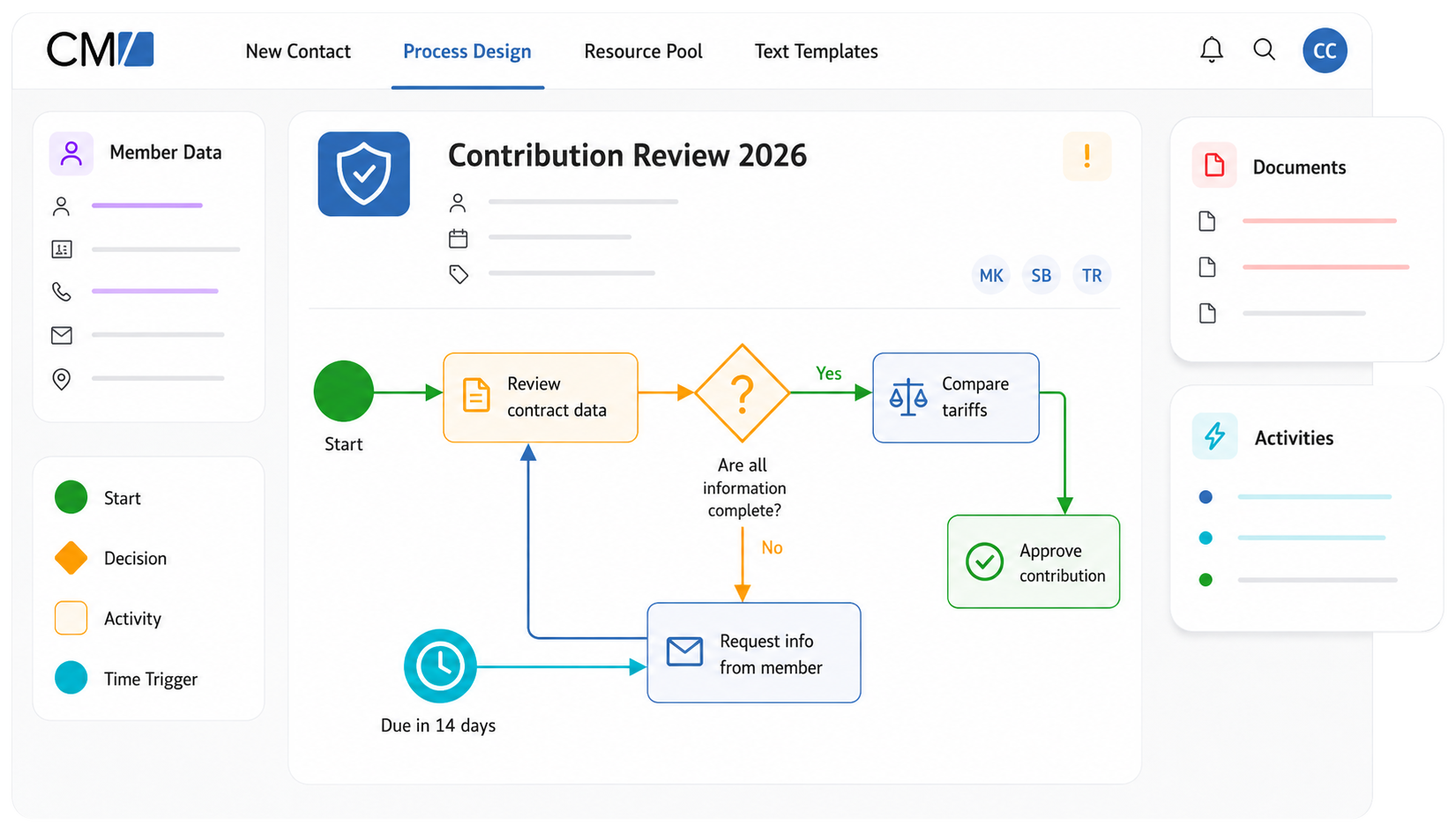
Many companies have processes that simply don’t fit into an off-the-shelf solution. That’s where Case Management comes in. With ConSol CM, you can map individual business cases, automate workflows, and stay in control of non-linear processes at all times – all from one central platform.
Seamless Collaboration – Moving Faster Together
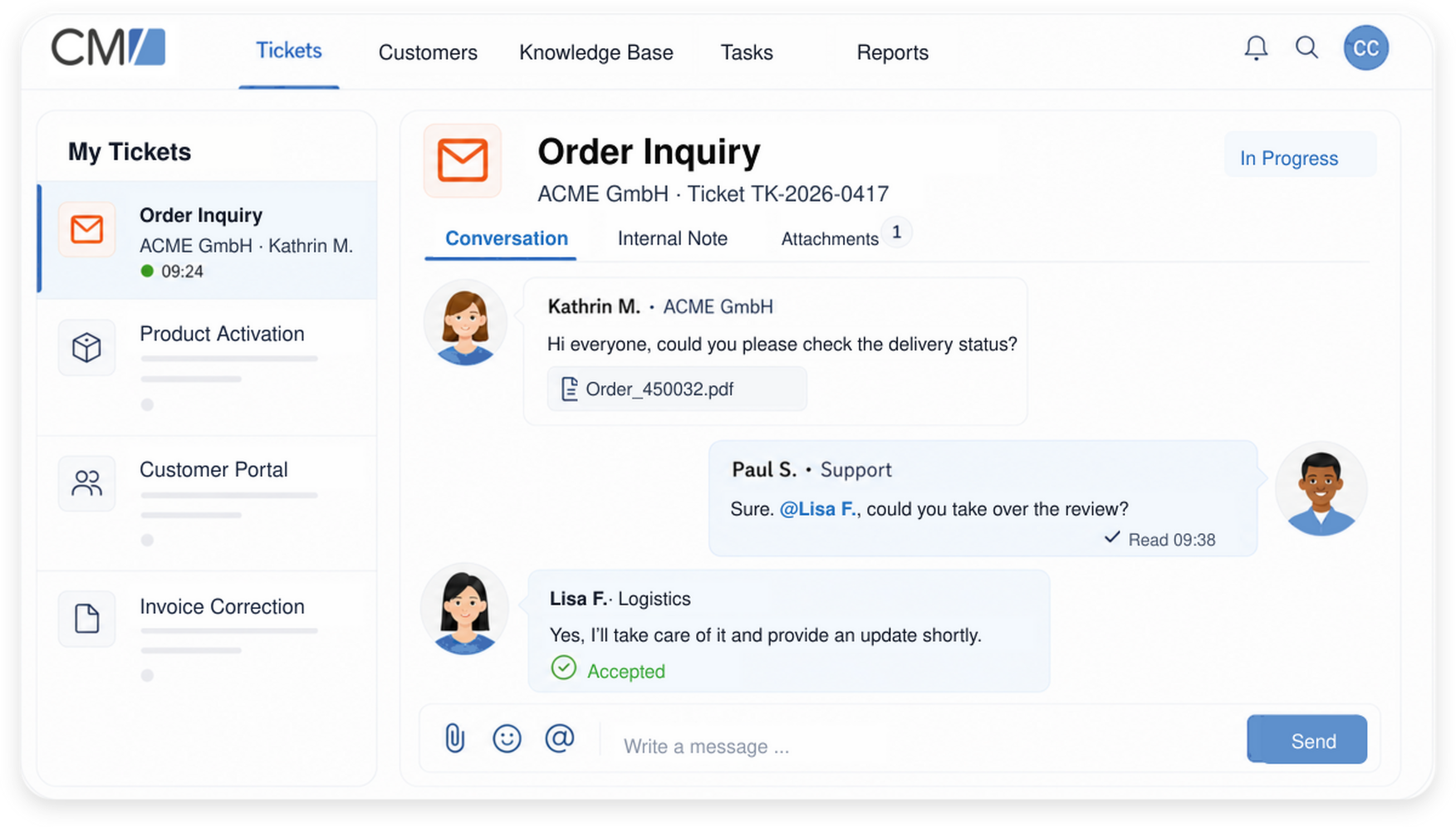
All relevant information, documents, and tasks related to a case are brought together in one place—no more scattered emails or files. Especially for processes involving multiple stakeholders, ConSol CM provides a structured framework for seamless collaboration:
- Each workflow step automatically notifies the responsible team members, ensuring that nothing falls through the cracks.
- A granular permissions and role model controls who can view and edit specific information.
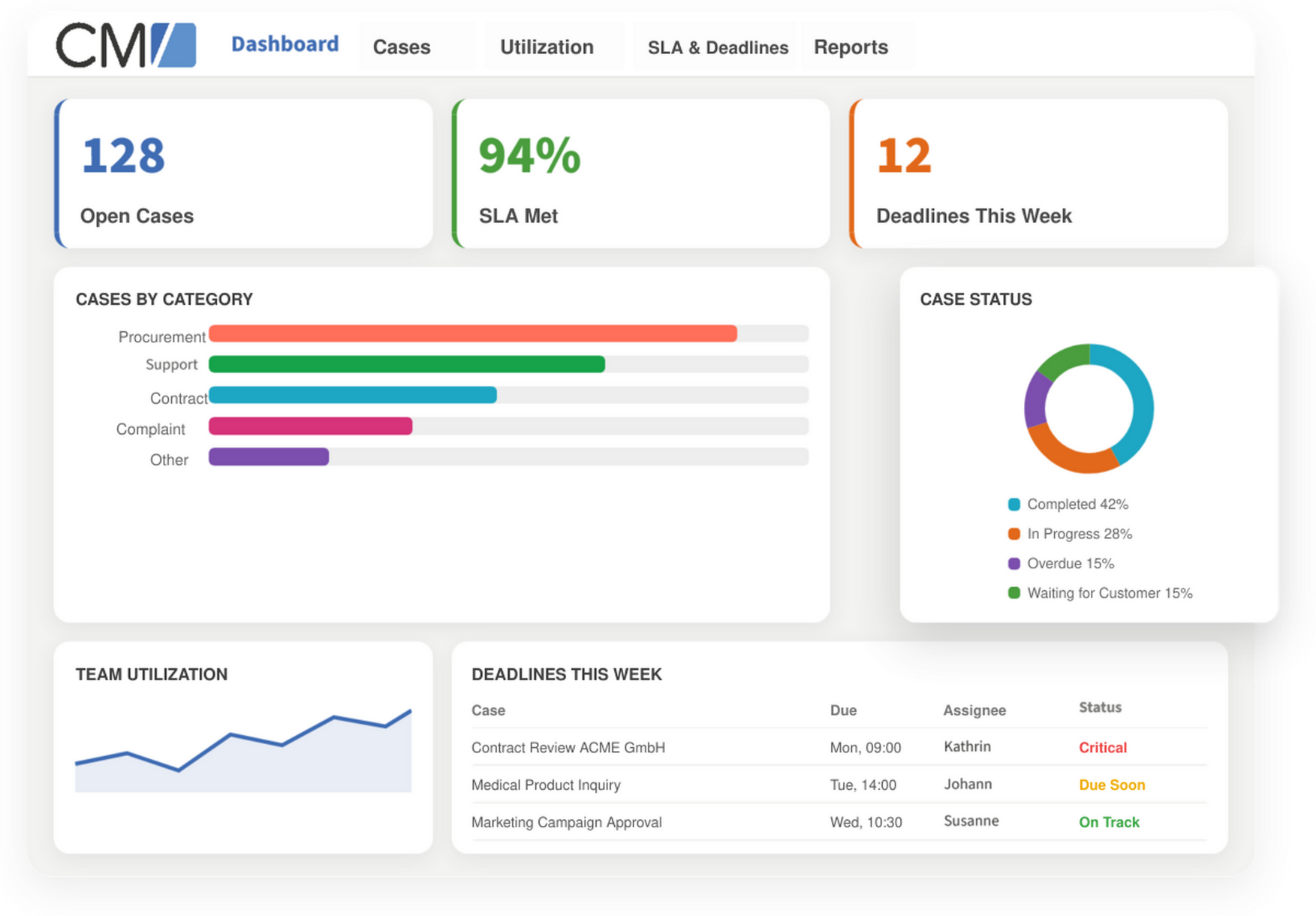
Reduce Errors & Ensure Quality with Real-Time Reporting
Powerful dashboards and reports give you a real-time view of all cases at any time—from current workloads to the processing status of each individual case. This allows you to identify bottlenecks early, reliably meet deadlines and SLAs, and make decisions based on solid data rather than gut feeling.
Customer Success Stories: Case Management in Healthcare & Research

Simple Integration
ConSol CM doesn’t operate in a silo. Its open integration architecture—including REST APIs, webhooks, and ETL—makes it easy to connect third-party applications and source systems, allowing data to flow automatically instead of being maintained in multiple places. Ready-to-use add-ons are available for common use cases. Typical examples include:
- Microsoft Outlook – Add emails and contacts to ConSol CM with a single click (CM/Outlook)
- Phone systems/CTI – Identify incoming calls and create a ticket instantly (CM/Phone)
- IT asset management – Link device data from baramundi directly to tickets
- Monitoring systems – Automatically create tickets from alerts via the API
Central Platform
Add emails and contacts with a single click
Identify incoming calls
and
create tickets instantly
(CM/Phone)
Link device data
from
baramundi
to tickets
Automatically create
tickets from alerts
via the API
FAQs About Case Management with ConSol CM

What Is Case Management?
Case management is a structured approach to handling complex cases that do not always fit into rigid, linear processes. It is built around a centralized data foundation, flexible processing steps, and complete traceability. A case can be a customer request, a service issue, a review process, an internal request, or a business transaction. With ConSol CM, all of these cases can be captured, managed, and documented in one central system – including tasks, deadlines, documents, decisions, and everyone involved.
Case Management vs. Workflow Management: What’s the Difference?
Traditional workflow management typically follows predefined process sequences. Case management goes a step further: cases can evolve dynamically, incorporate new information, and follow different paths depending on the situation. ConSol CM combines both approaches.
Standardized workflows provide structure and automation, while flexible case management capabilities give teams the freedom they need to make individual decisions and handle complex cases. For example, an insurance claim may require different processing steps depending on the cause of the claim, the parties involved, and the available documentation. This is exactly where case management shows its strengths.
Why Choose ConSol CM for Case Management?
- Proven in enterprise environments: ConSol CM has supported complex processes across a wide range of industries for many years.
- Highly customizable: Processes, forms, data models, and workflows can be tailored to your specific requirements.
- Easy to integrate: ConSol CM integrates seamlessly into existing IT landscapes – from line-of-business applications to SAP.
- Transparent and traceable: All processing steps, tasks, and information are documented centrally, providing complete visibility at all times.
- Secure and reliable: Built for demanding enterprise processes with high requirements for security, reliability, and traceability.